
Leaving the World of Wacom
For years, Wacom has been the name most photographers, retouchers, and digital artists think of when it comes to pen tablets. I have used Wacom tablets for a long time myself. This was my second Wacom pad, and honestly, my first one was not a great experience. But I stuck with the brand because it was familiar, and once I got used to the workflow, it became part of how I edited my images.
After about eight years with my second Wacom tablet, I started thinking it might be time for an upgrade. There was nothing completely wrong with it. It still worked, and it did what I needed it to do. But every now and then, I would run into small issues, especially with Adobe Photoshop. Sometimes I had to do little tricks, like adding a text file just to get things working properly. It was never enough to make me stop using it, but it was enough to make me wonder if there was something better out there.
For a long time, I had the Wacom Pro tablet in the back of my mind. I kept wondering if the Pro version was the thing I had been missing all these years. Would it feel better? Would it make editing smoother? Would it improve the way I worked in Photoshop? After picking what was probably the worst time to upgrade my PC, I decided I might as well look into upgrading my tablet too.
Then I saw the price.
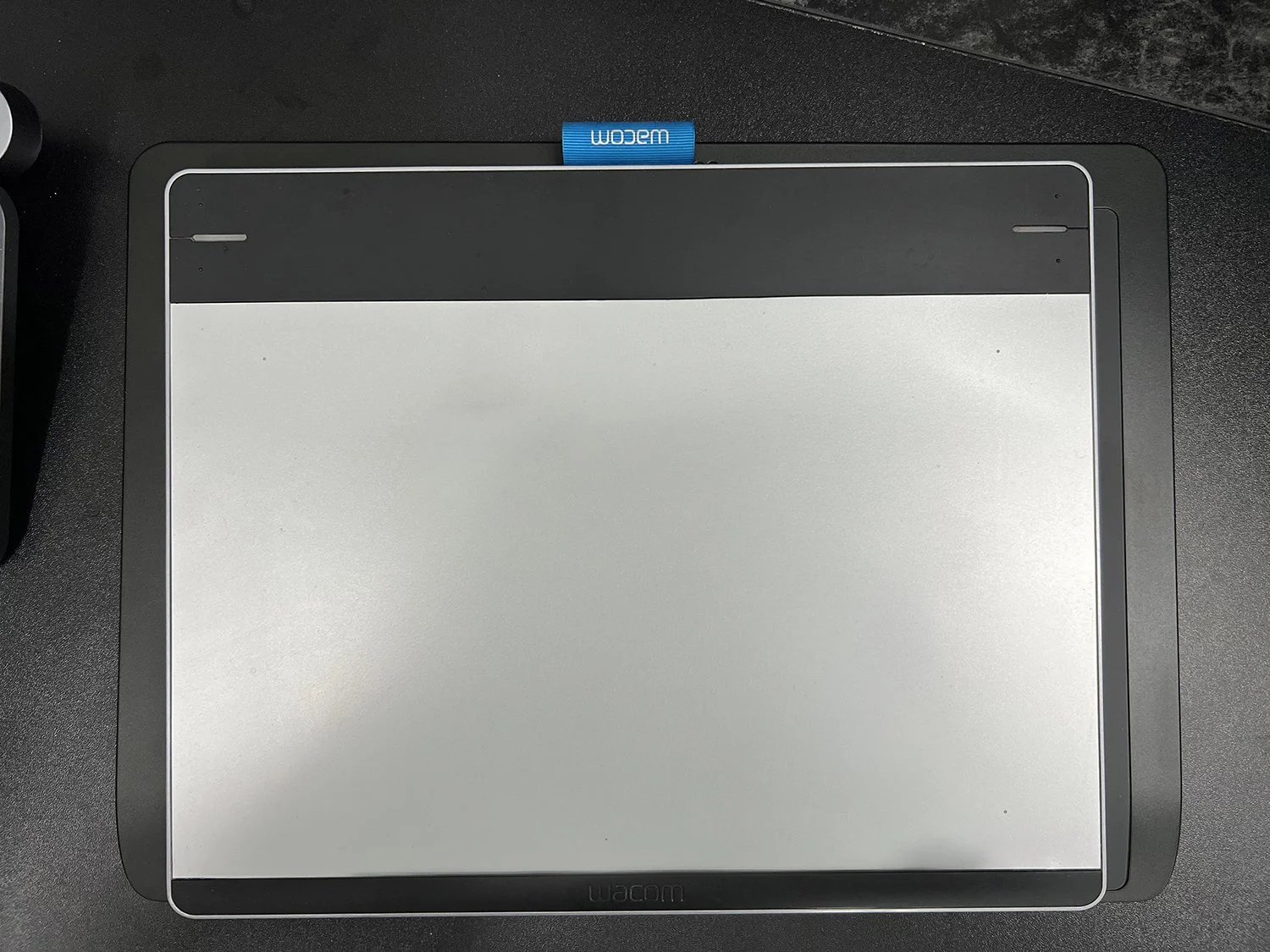
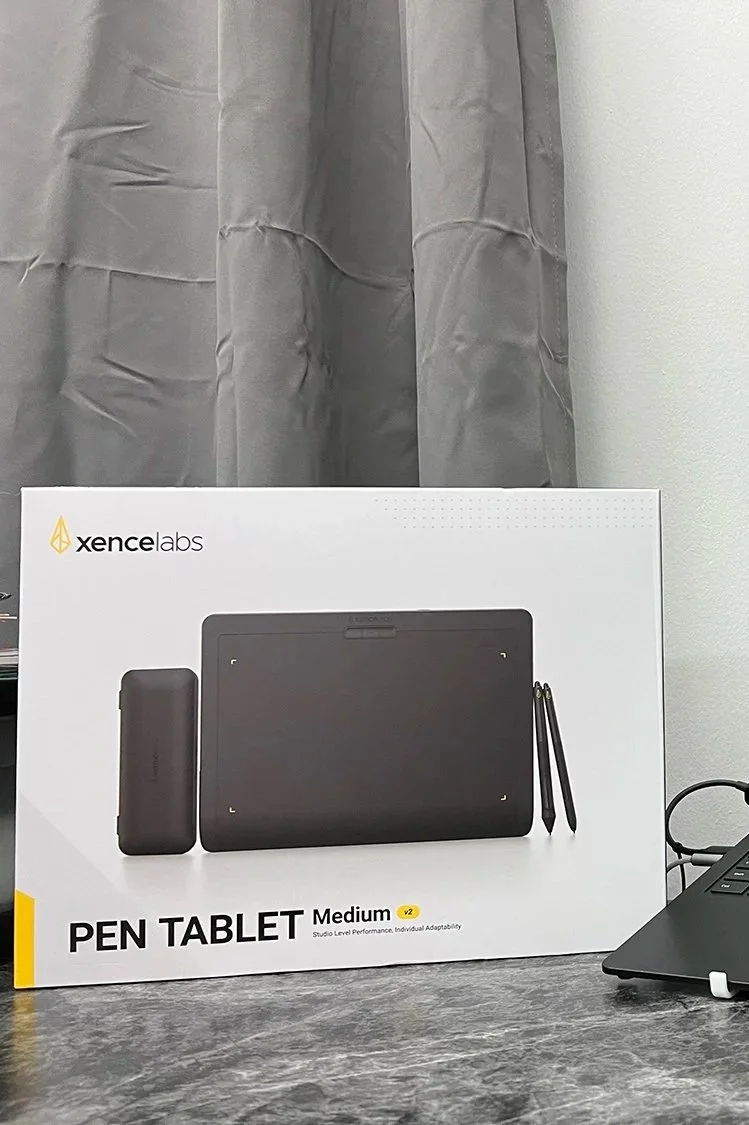
The Wacom Pro was listed around $379 on Amazon, and that made me stop very quickly. I could not help but ask myself if the upgrade was really worth that much money. At the same time, I still had that question in my head: was I missing out by not having the Pro version?
While searching through Amazon, I started seeing other brands that seemed to offer similar features at a lower price. That is when I went back to ChatGPT and started asking questions. I wanted to know what the real differences were between the brands, whether Wacom was still the best option, or if this was one of those cases where you really do get what you pay for.
One of the recommendations that stood out was the Xencelabs Pen Tablet. The price-to-performance seemed strong, especially compared to the Wacom Pro. The Wacom was around $379, while the Xencelabs tablet was around $249. That was enough of a difference for me to give it a serious look.
On day one, I uninstalled all the Wacom software and drivers, then installed the Xencelabs software and drivers. The installation process was easy, and the software was simple to understand. It did not feel too different from the Wacom software, which made the transition feel comfortable right away.
The real test was Photoshop.
Would I have to do any tricks to make it work? Would I have to troubleshoot settings before I could even start editing? The answer was no. It just worked.
That alone was a great first impression. I only tested it briefly on one photo that first day, so I did not want to judge it too quickly. But the fact that it worked inside Photoshop without any extra steps was already a win.
On day two, I had a real chance to sit down and use it during an editing session. I edited five black-and-white images, and that gave me a much better feel for how the tablet performed. The experience was smooth, responsive, and natural. It worked so well with Photoshop that I found myself asking why I had been fighting with my old Wacom setup for so many years.
That does not mean everything was perfect. The one issue I noticed was with the larger pen. Where the rubber meets the plastic, it feels a little cheap to me. At times, it almost feels like I am holding down one of the buttons on the pen, even when I am not. That made me wonder if this could become a wear issue over time.
Thankfully, I found that replacement pens are available on Amazon. I ended up ordering one for about $50, just to have it as a backup. If the pen does wear out, at least I know I can replace it without buying a whole new tablet.
So far, I have to say the Xencelabs tablet has been a strong replacement for my old Wacom. It was easy to set up, worked right away with Photoshop, and felt good during a real editing session. For the price, it already feels like a smart move.
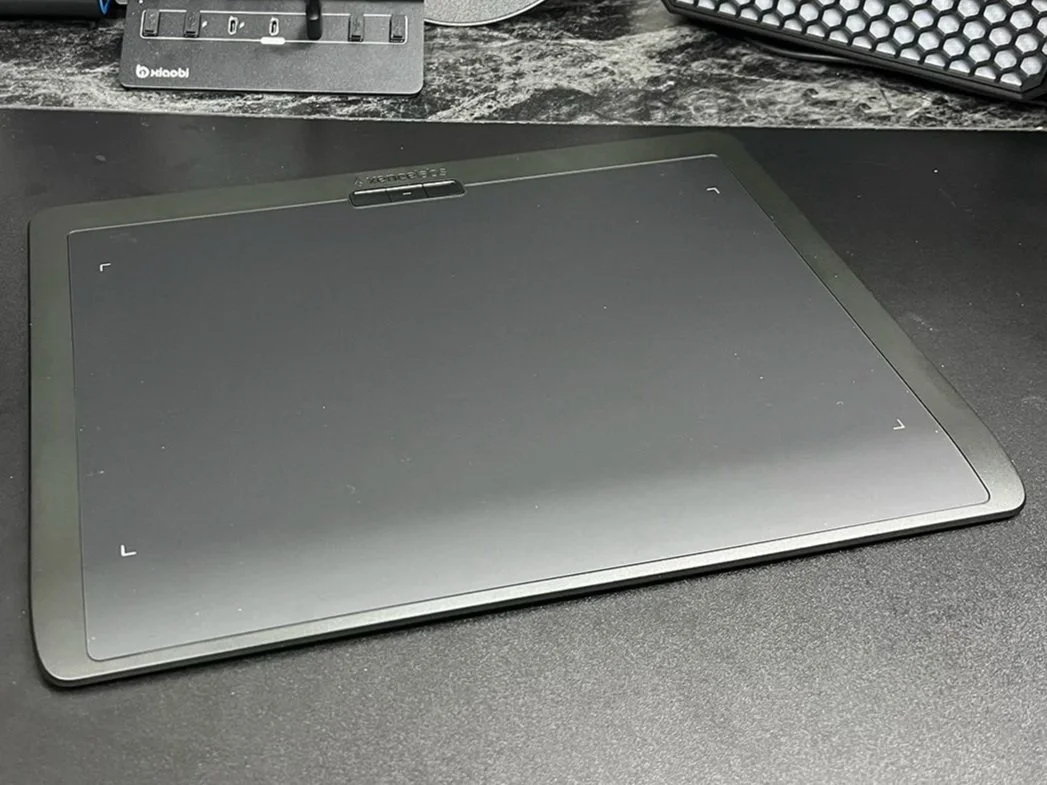
Of course, just when one part of the workflow starts going right, another piece decides to fail.
As good things never seem to last too long, my Logitech MX Master mouse decided to stop working right after this. And that opens up another question: when a tool becomes part of your daily creative workflow, how much is it worth to replace it with something you already trust?
That may have to be the next article.
Summary
After eight years of using my second Wacom tablet, I finally decided it was time to upgrade. I had always wondered if moving up to the Wacom Pro would make a real difference in my editing workflow, but the price made me pause. That search led me to try something different: the Xencelabs Pen Tablet. After only a couple of days of testing it inside Photoshop, I started asking myself why I had been fighting with my old setup for so long.